Your videos rank in Google search, and Search Console can prove it query by query. This free tool reads a single video's export and rebuilds its packaging to win the searches it already shows up for: title options carrying the winning query's exact words, description first lines, a chapter list that answers the long tail, a tag set from real searches, a thumbnail brief and a pinned comment. No re-upload; the video keeps all its history.
Private by design: everything runs in your browser. Nothing is uploaded, nothing is stored, and when you close the tab it is gone.
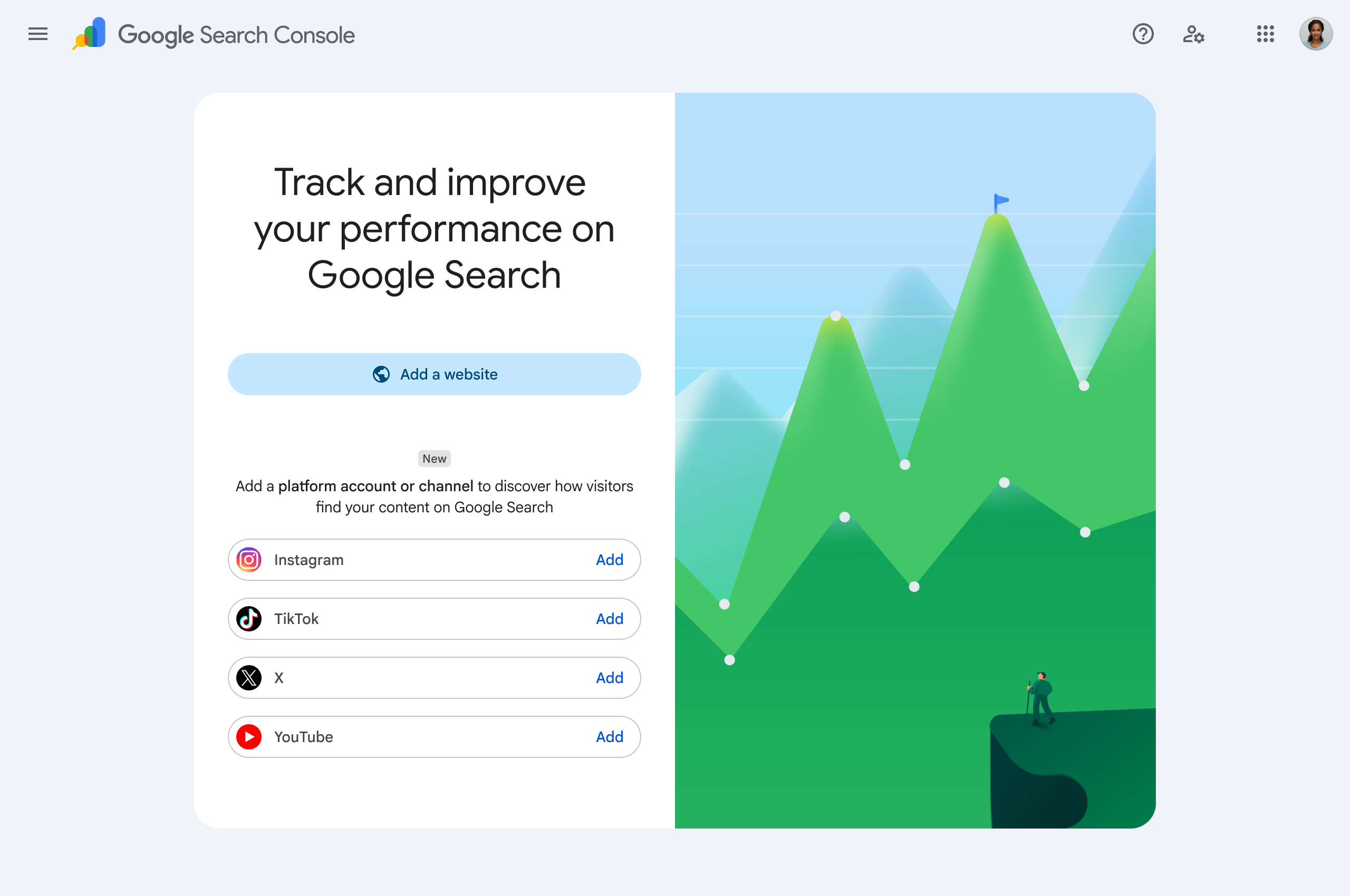 Google's platform-property setup screen (source: Google Search Central).
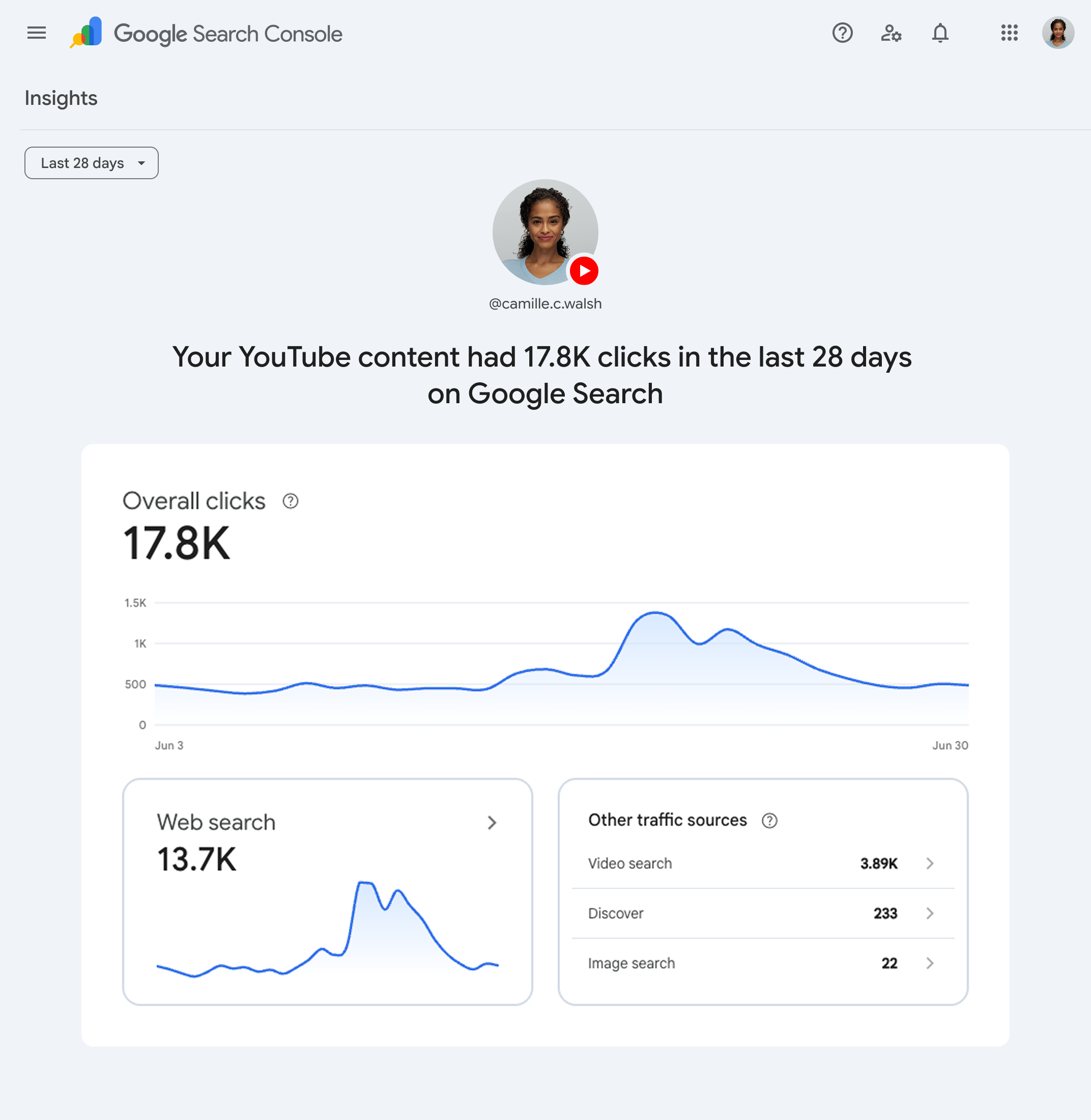 The property view this export comes from (source: Google Search Central).
Drag one video's Search Console export in here or click to browse
The ZIP from Performance > filter to a video > Export. A whole-channel export also works: you will get a ranked list of which videos to fix first.
Channel export detected
This export covers your whole channel, so queries are not tied to individual videos. Below are your biggest opportunities: videos with real impressions ranking just off the wins (positions 4 to 20). Export each one individually (Performance > New > Video > Export) and upload it here for its full spec. For the channel-wide topic view, run the Social Topical Map Generator.
Reconfiguration spec
Starting points, each carrying the exact words of a search this video already appears for. Keep the searcher's grammar, sharpen the angle, pick one. The prompt at the bottom gets an AI to iterate on these against your full query list.
Google shows the first lines in search results and reads them for relevance. Line one answers the title question in plain words; line two names what else the video covers, in the searchers' own phrasing.
Each chapter answers one real search from your data. Chapters are how Google finds the answer inside the video (key moments), and how you rank for the long tail without making ten more videos. Add your timestamps.
Tags matter far less than titles and chapters, with one exception: misspellings and close variants. These come from what people actually typed, misspellings included on purpose.
The pinned comment is a free answer box under the video. Answer the winning search in two sentences, then ask viewers what they searched to find you: their replies are next month's chapter list.
Paste this into Claude or ChatGPT to iterate the whole spec against your full query data. Using vidIQ on the Max plan? Connect vidIQ's MCP server to Claude first and the same prompt will also score every title variant and check keyword volumes with your own account.
The tool reads the Queries file from your video-filtered export, merges spelling and punctuation variants, and assigns every query a role. The highest-impression queries become title material, because the title must carry the words searchers type. Question-form queries become chapters, one answer each, so the video can surface as a key moment for the long tail. Everything, misspellings included, feeds the tag set, and the whole vocabulary shapes the description lines.
The recommendations follow one rule: reconfigure, never re-upload. A re-upload starts from zero history; changing the packaging on the existing video keeps every view, link and ranking signal it has earned. This is the Optimize move of the Social Topical Map framework (Lawrence Hitches, July 2026), applied to a single video. For the channel-wide picture of which topics you own, run the Social Topical Map Generator first; it will tell you which videos are worth this treatment.
Data honesty: Search Console anonymises rare queries and caps exports at 1,000 rows, so the long tail is under-counted. Impressions tell you Google is testing you for a query; only the words in your packaging decide whether the test converts. Title options here are deterministic starting points from your own data, never invented claims about your content.
In Search Console, open your YouTube platform property, go to Performance, add a filter for the video (New, then Video, then pick it), set your date range, then Export and Download as CSV. The download is a ZIP whose Queries file now contains only that video's searches. Upload it here as-is.
Google search shows your title, thumbnail and description against ten results written for the exact query. If you rank in the top 10 with a near-zero click-through rate, the ranking is fine and the packaging is losing: searchers cannot see their answer in your title, so they click one that says their words back to them.
No. Re-uploading starts from zero views, zero watch history and zero ranking signals. Reconfigure the existing video instead: title, description, chapters, tags, pinned comment. You change everything a searcher sees while keeping everything the algorithm has learned.
No. The tool is JavaScript running in your browser. Files never reach a server, nothing is stored, exports are generated on your device, and everything is gone once the tab closes.
A little, and mostly for misspellings and close variants; the title, description and chapters do the heavy lifting. The tool builds the tag set from your real query data, misspellings included, because that is the one job tags still do well.
